

Least privilege across every client tenant
How MSPs Manage Least Privilege Across Customer Environments
MSPs manage least privilege across customer environments by running one baseline on every tenant: unique named admins, MFA on elevated roles, just-in-time elevation where the stack supports it, break-glass accounts that are logged, and a quarterly access review with retained exports. Nuronus holds that evidence next to HIPAA, SOC 2, and cyber-insurance readiness so the same review package works for every client.
Free for 2 clients. Card not needed.
The problem
Privilege sprawl looks different in every tenant
- Standing Global Admin and shared “admin” accounts on every Microsoft 365 tenant
- RMM and PSA seats that inherit full rights by default
- Access reviews done once a year in a spreadsheet, then lost
- A different privilege story per client when the auditor or carrier asks
- No exportable package that maps the same control to HIPAA, SOC 2, and insurance
Definition
What least privilege across clients means for an MSP
Least privilege here means the minimum standing rights for technicians, contractors, and client staff across every tenant you manage. Scope covers Entra and Microsoft 365 roles, on-prem Active Directory tiering where it exists, RMM remote control, PSA integrations, and break-glass accounts.
As the MSP you are both the control and the residual risk. Clients and their insurers will ask how you limit and evidence your own access. The outcome is attributable admins, time-boxed elevation, and reviewable proof. For the deep control guide, read the privileged access management guide for MSPs.
Multi-tenant baseline
The baseline you run on every customer environment
Build it once. Apply it to every tenant. Keep the exports in the same evidence workspace you already use for gap analysis and white-label reports.
01
Inventory privileged rights per client
Named accounts, Entra high-impact roles, RMM admin groups, and leftover shared logins. One list per tenant with an owner.
02
Remove shared and standing excess
Disable shared admin/support accounts. Separate daily-use from privileged accounts. Drop standing Global Admin where JIT or PIM exists.
03
Enforce MFA on elevation
Require MFA (phishing-resistant where practical) on every role that can change security settings or administer a tenant. Block legacy auth on privileged paths.
04
Add JIT / PIM or documented elevation
Time-box activation, capture justification or approval, and retain logs. Where PIM is not licensed, document the manual elevation path until it is.
05
Document break-glass
Offline or sealed vault, alert on every use, test cadence, and last-tested date. Treat use as an incident until reviewed.
06
Quarterly access review and export
Confirm owners, remove stale rights, record the delta since last quarter, and file the same artifact in every client evidence folder.
Frameworks and carriers
What reviewers actually ask for
Readiness and evidence only. Nuronus does not certify. January 2025 HIPAA Security Rule NPRM items are proposed, not final.
| Ask | Maps to | Evidence you keep |
|---|---|---|
| Unique ID / attributable admin | HIPAA §164.312(a); SOC 2 CC6 | Named admin list; no shared “admin” |
| Least privilege + periodic review | SOC 2 CC6.1/6.2; NIST PR.AA; CIS 5/6 | Quarterly sign-off + role export |
| MFA on elevated access | HIPAA / NPRM readiness; CISA CPG; insurance Qs | Entra MFA / Conditional Access export for privileged groups |
| MSP privilege as residual risk | CISA CPG 1.E | How your technicians elevate into the client |
Capabilities
Track the baseline. Keep the proof. Bill for the cadence.
Nuronus is the compliance workspace that holds privileged-access reviews next to the frameworks you sell. It does not replace Entra PIM, a password vault, or session recording.
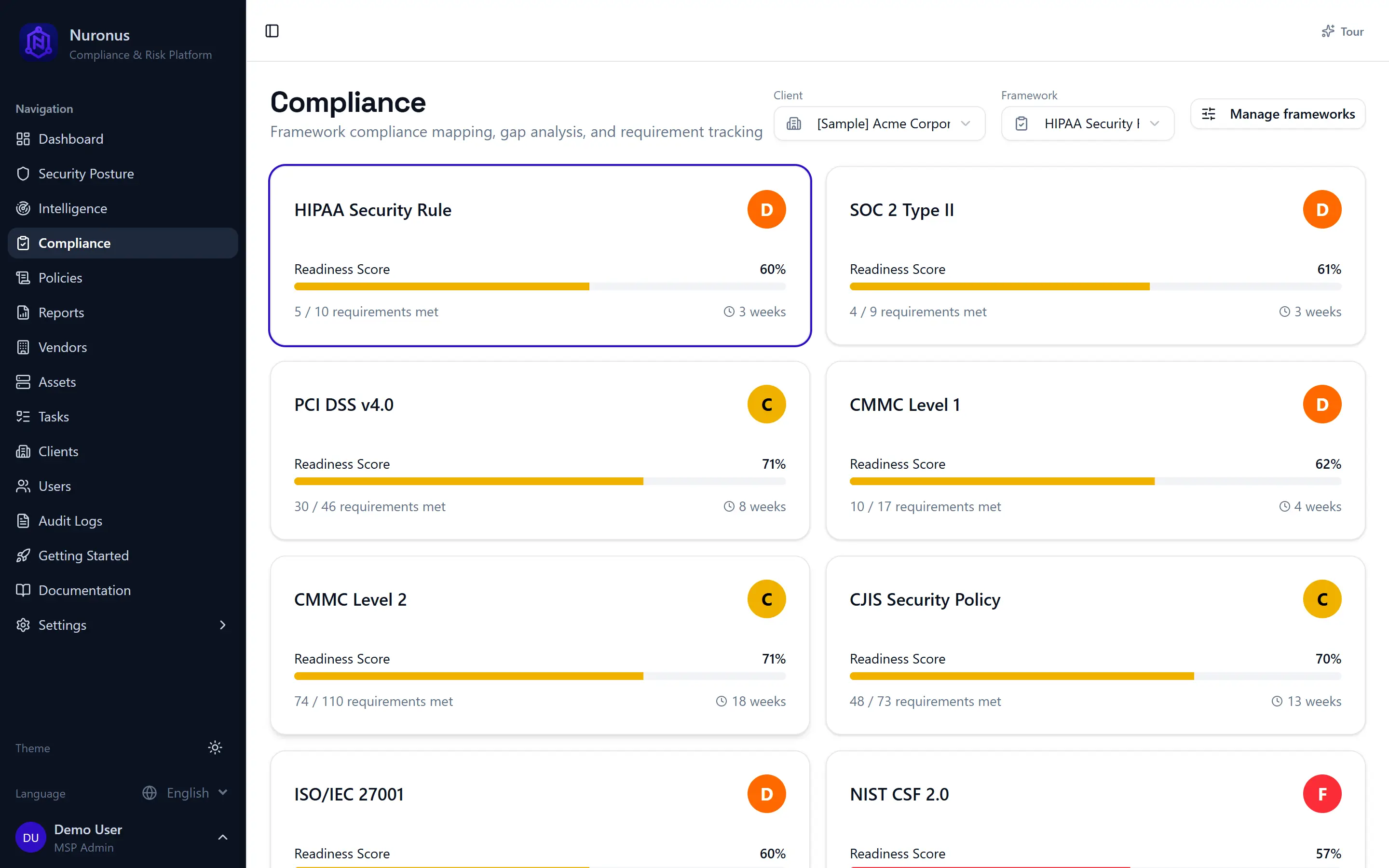
Multi-tenant privilege posture
See standing admin risk and review status across the clients you manage in one workspace instead of per-tenant spreadsheets.
Same operating model on every tenant
Evidence next to the frameworks
Keep privileged-access reviews beside HIPAA, SOC 2, CIS, and cyber-insurance readiness so one package answers multiple asks.
Reuse proof for audits and renewals
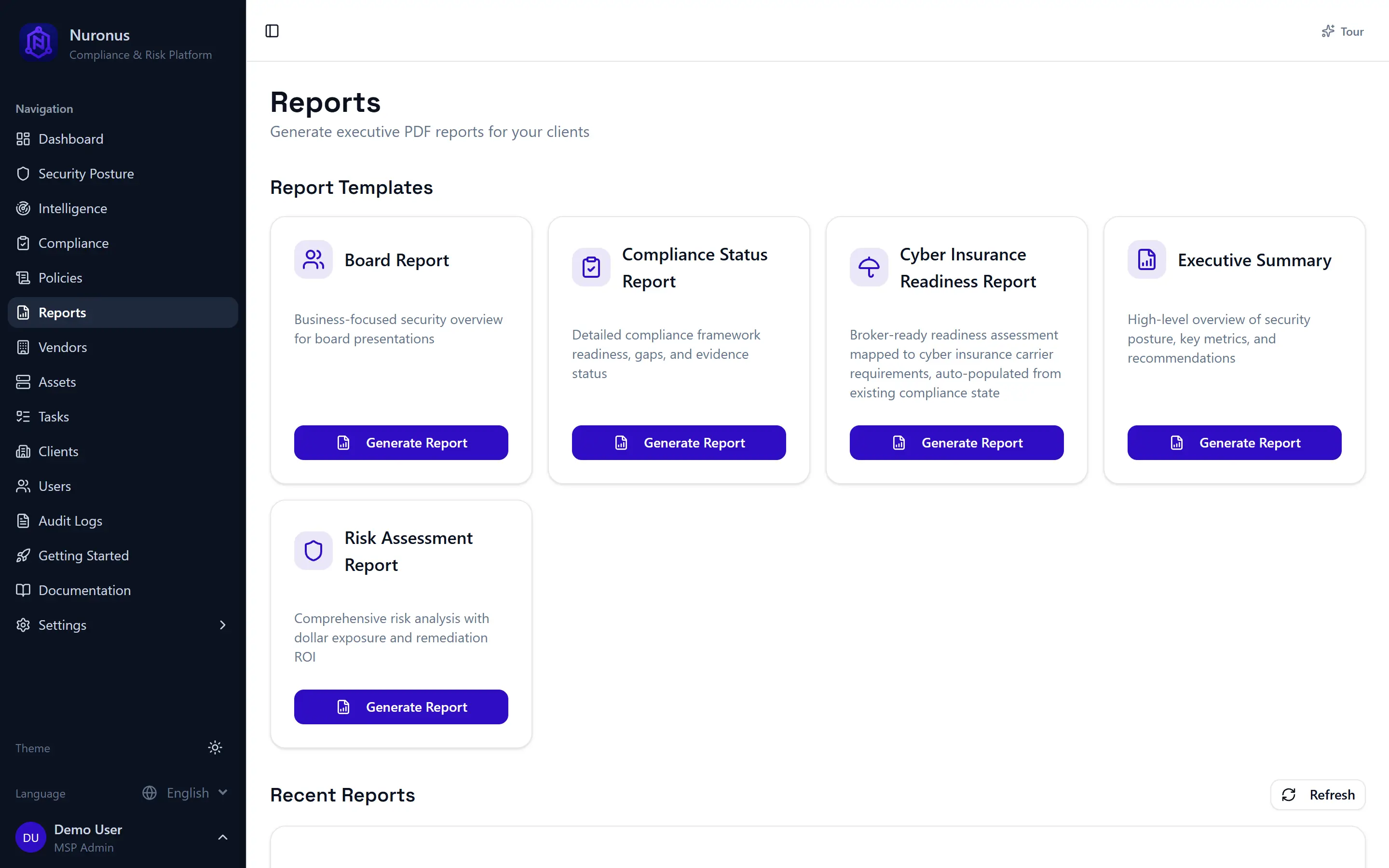
White-label access-review leave-behind
Hand clients a branded review summary they can attach to risk analyses, board packs, or broker questionnaires.
Your brand on every leave-behind
Billable quarterly cadence
Sell a baseline project, then a recurring access review and evidence export. Privilege work stays current because the evidence has to.
Project plus retainer, not free fire drills
Revenue
How least privilege becomes a service line
Baseline project
Privileged-account inventory, shared-credential cleanup, MFA on elevated roles, documented break-glass, and first access review.
Quarterly review
Confirm owners, remove stale rights, review recent elevations, and deliver a short delta report for risk analyses or renewals.
Audit and renewal attach
Export the same package into HIPAA, SOC 2, or cyber-insurance evidence so privilege work pays for itself at every ask.
Bundle with cyber insurance readiness, HIPAA for MSPs, SOC 2 for MSPs, or the broader MSP compliance services practice.
How it works
From client list to exportable review package
01
Add clients
Start free with 2 clients. Pre-loaded demo data lets you explore before you connect a live tenant.
02
Connect the stack
Link Microsoft 365 and other integrations where available. Connections stay read-only / least-privilege.
03
Track controls and reviews
Map privileged-access work to the frameworks you sell and keep review tasks per client in one place.
04
Export white-label evidence
Hand the auditor, broker, or client board a branded package under your name.
Free for 2 clients. White-label evidence. Same review package for every tenant.
Start free - 2 clientsFrequently asked questions
How can MSPs manage least privilege across customer environments?
Run one reusable baseline on every tenant: unique named admins, MFA on elevated roles, just-in-time elevation where the stack supports it, logged break-glass accounts, and a quarterly access review with retained exports. Store that evidence once and reuse it for HIPAA, SOC 2, and insurance.
Is least privilege the same as PAM?
PAM tools implement elevation and vaulting. Least privilege is the operating rule those tools enforce. Most MSPs need the rule, MFA, reviews, and evidence first. Full PAM appliances stay optional per client.
Do we need Entra PIM on every client?
Prefer Privileged Identity Management or other JIT where licensed. Where it is not, document manual elevation, enforce MFA, and keep quarterly reviews until PIM is in scope.
What evidence do auditors and carriers want?
A current privileged role list with owners, MFA status for elevated groups, sample activations or change logs, break-glass inventory with last test date, and a signed quarterly review.
How is this page different from the PAM guide?
The privileged access management blog is the deep control guide. This page is the multi-tenant operating model and the product path to track and export that evidence across clients.
Run least privilege the same way on every client
Free for 2 clients. White-label evidence. Same review package for HIPAA, SOC 2, and insurance renewals.
Card not needed. Explore with pre-loaded demo data.